
CERTIFICATE OF COMPUTER APPLICATIONS
cERTIFICATE COMPUTER APPLICATIONS
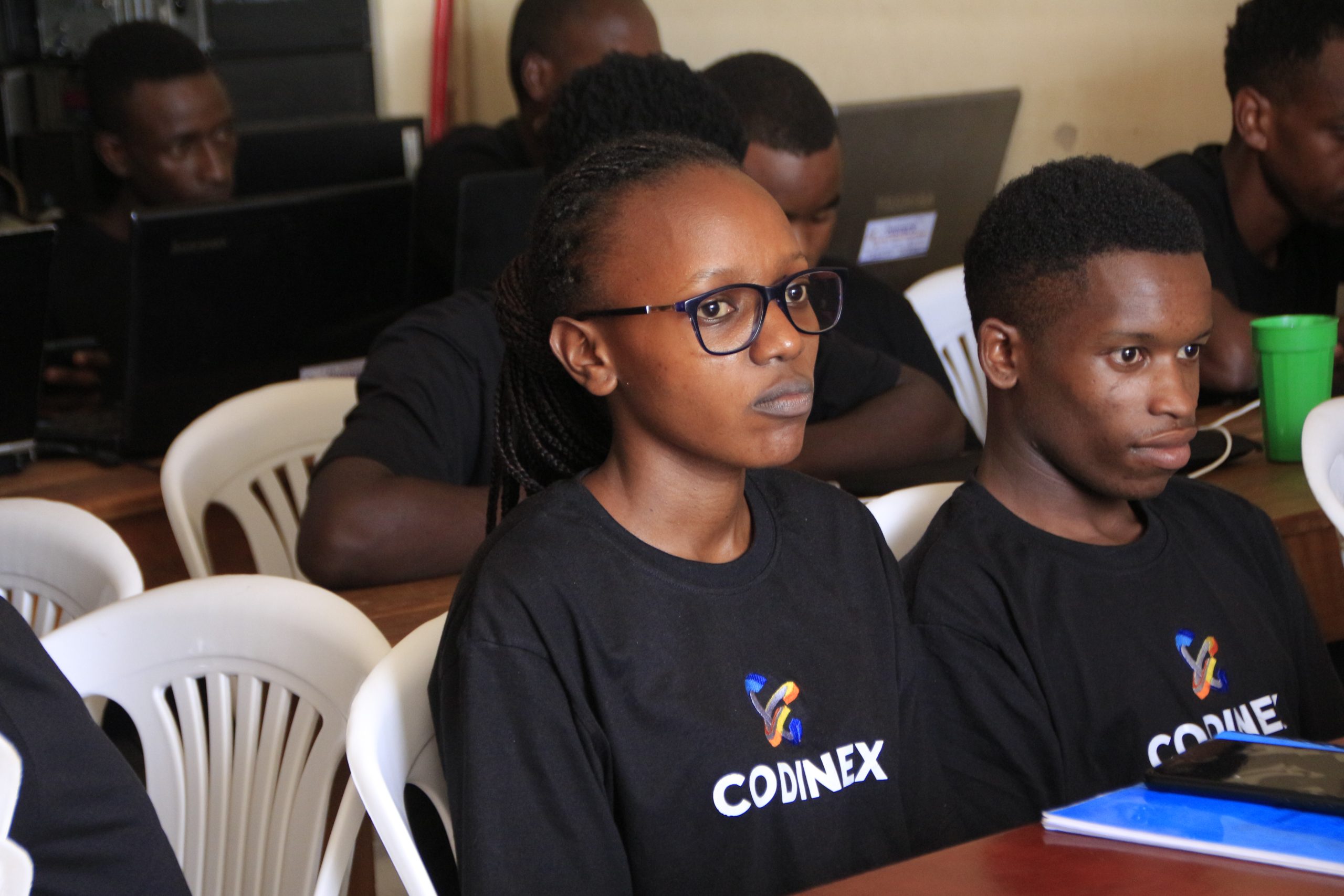
The Certificate in Computer Applications (CCA) at Codinex is a foundational program designed to introduce learners to the core principles of computer usage in both personal and professional environments. This course is perfect for students, job seekers, office workers, business owners, and anyone looking to enhance their digital literacy.
The Certificate in Computer Applications (CCA) program at Codinex is designed to equip learners with essential computer skills needed for today’s digital world. Whether you're a student, professional, or entrepreneur, this course provides a strong foundation in practical computer usage to boost your productivity and confidence in using technology.
 Practical Skills – Focused on real-world usage of computer tools in offices, schools, and small businesses.
 Experienced Instructors – Learn from skilled trainers with both teaching and industry experience.
-
 Professional Certification – Receive a certificate that validates your skills and enhances your CV.
 -
 Flexible Schedule – Courses designed to accommodate working individuals and students.
 -
 Career-Oriented – Ideal for entry-level job roles in administration, data entry, customer service, and business operations.
-
 Digital Confidence – Gain confidence in using computers to communicate, manage data, and operate effectively in a digital environment.
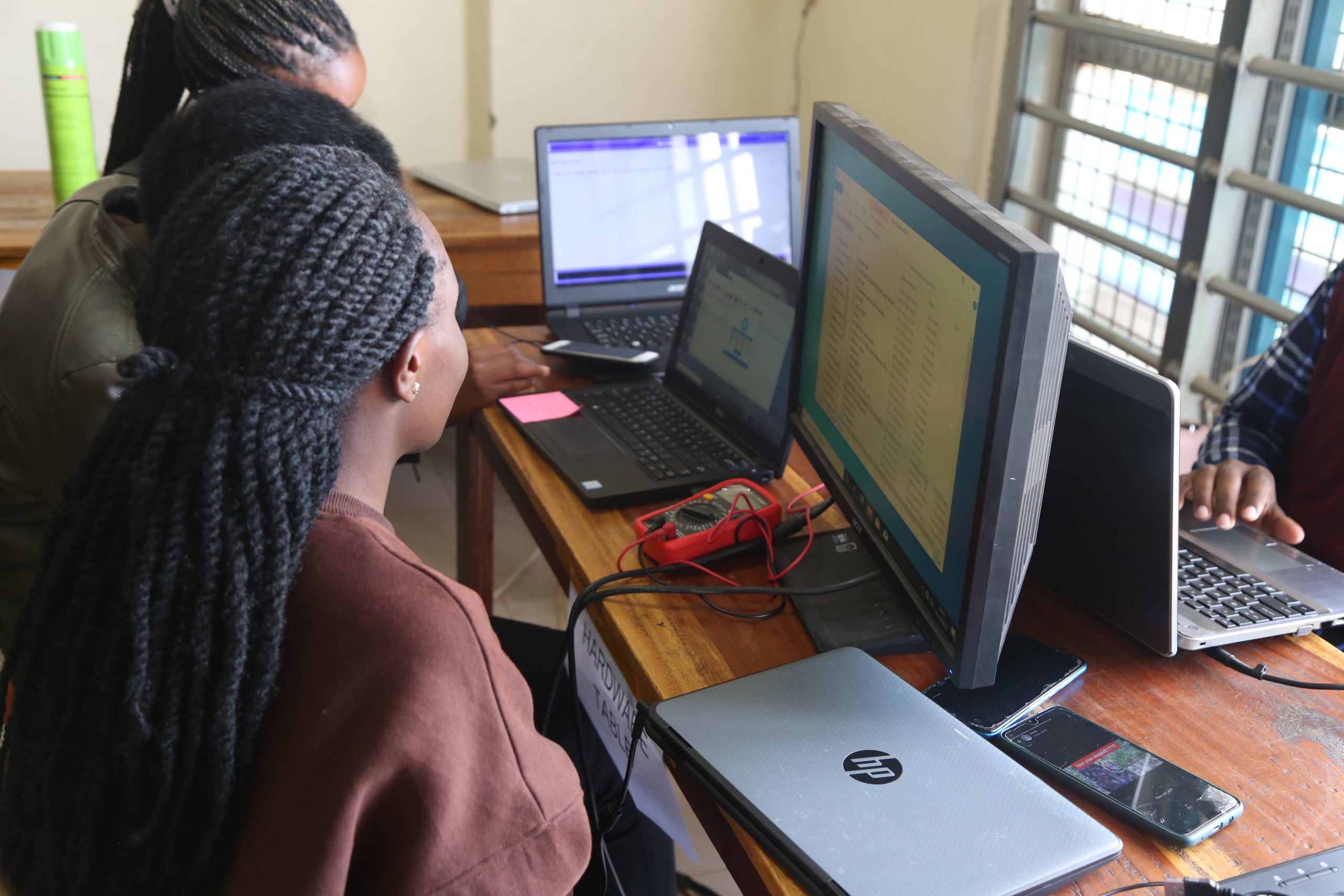
Learn how to create, format, and manage documents efficiently. From writing letters and reports to designing professional documents with headers, footers, and tables, MS Word will empower you to handle day-to-day document processing tasks with ease.
Master the art of creating impactful presentations. From adding animations to customizing slide layouts, you'll learn how to communicate ideas clearly and professionally to different audiences.
Develop data management and analysis skills. You will learn to work with formulas, functions, spreadsheets, charts, and pivot tables — tools essential for organizing, calculating, and visualizing data, especially in finance, administration, and project management.
Understand the basics of database design and management. MS Access introduces you to data storage, query creation, form design, and report generation, helping you keep structured records for small business or institutional use.
Get creative with desktop publishing. You'll learn how to design visually appealing materials like flyers, posters, business cards, brochures, and newsletters — perfect for marketing and branding purposes.
Get confident navigating the web, conducting research, using search engines, and managing email communication effectively. Learn how to use platforms like Gmail and Outlook for professional correspondence and productivity.
Learn essential concepts of digital safety. Understand how to protect your devices and personal data from viruses, phishing attacks, malware, and other common cyber threats. Learn best practices for password security, safe browsing, and data backup.
School leavers and university students
-
Job seekers looking to improve their computer literacy
-
Office workers needing to sharpen their skills
-
Entrepreneurs and small business owners
-
Anyone with little or no background in computers
Join the hundreds of learners who have launched their digital journey with Codinex. Our supportive learning environment, modern facilities, and commitment to excellence make us the right place to begin your computer training.
📞 Contact us today to register or learn more about upcoming intakes.